GUI.for.SingBox Installation and Usage Guide #
GUI.for.SingBox is a powerful third-party sing-box client for Windows with a simple graphical interface. It supports most common proxy protocols, including Shadowsocks, VMess, VLESS, Reality, Trojan, Hysteria2, and more.
Step 1: Download and Install #
- Click here to download GUI.for.SingBox
- After downloading, extract the archive. You will get the executable
GUI.for.SingBox.exeand adatafolder. - Double-click
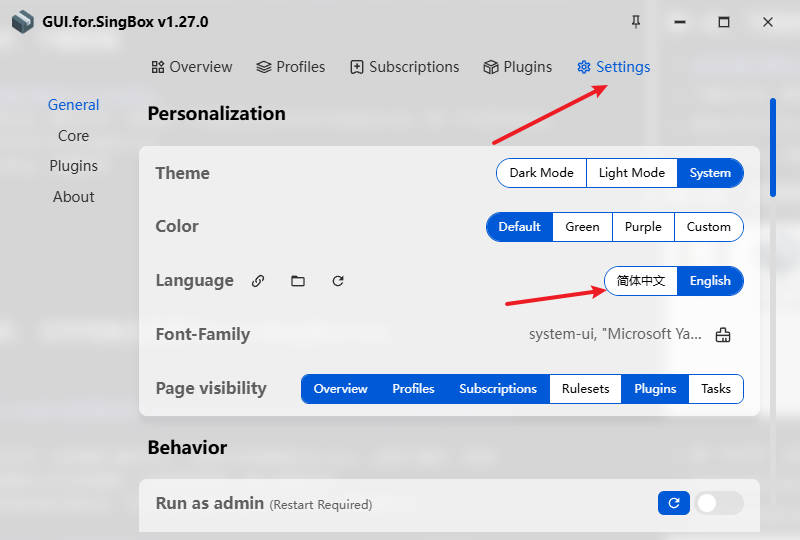
GUI.for.SingBox.exeto launch it. - Click Setting to change the language.
Step 2: Purchase a Subscription #
There are many proxy airports available. Here we recommend Feiniao Cloud:
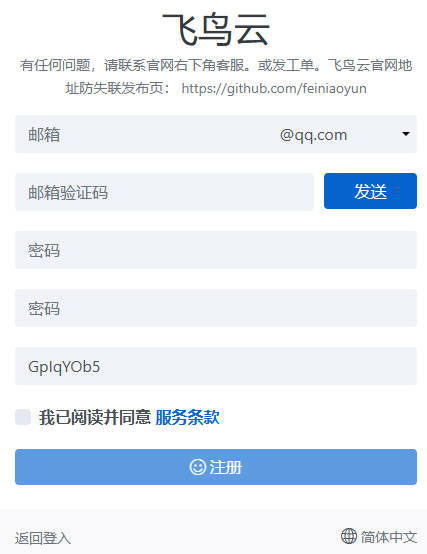
Register with an email address.
- After registration, click “Buy Subscription” on the left.
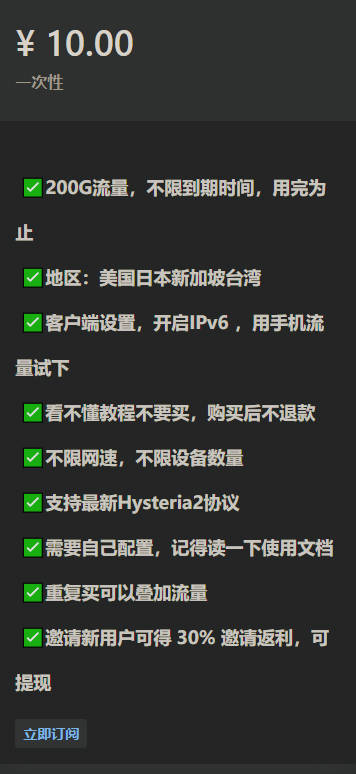
- Choose a suitable plan (recommended: 10 CNY / 200G traffic, no time limit).
- After successful purchase, go to the Dashboard → One-click Subscription → copy the subscription URL.
- Open GUI.for.SingBox → Overview → Quick Start.
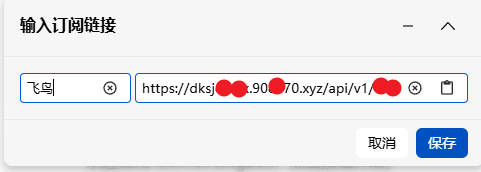
- Enter a name (e.g. “Feiniao Cloud”), paste the subscription URL, and click Save.
- After import succeeds, click “Start Core”.
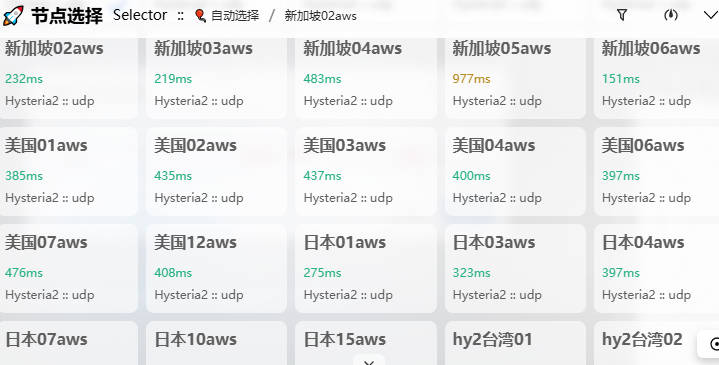
- Click “Controller” → “Node Selection” at the bottom to see the available nodes.
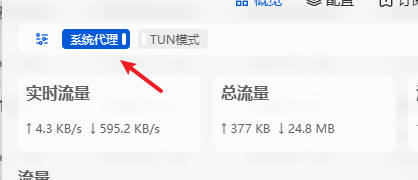
- Enable “System Proxy” in the top-left corner. Turn it off when not in use.
Recommended Airports #
- The following services charge by traffic. Tutorials are available on their websites.
- After purchasing traffic there is no time limit — use until the traffic is exhausted.
| Name | Price | Traffic | Nodes |
|---|---|---|---|
| 魔戒 | 1 CNY | 1G | 30 |
| 网际快车 | 7 CNY | 20G | 54 |
| 牛逼 | 14 CNY | 200G | 31 |
| 飞鸟 | 10 CNY | 200G | 25 |
| happy猫 | 20 CNY | 200G | 27 |
| 农夫山泉 | 45 CNY | 200G | 40 |
| 宝贝云 | 55 CNY | 600G | 64 |
| 飞兔 | 30 CNY | 100G | 80 |
| fscloud | 14 CNY/year | 100G/month | 30 |
| 冲上云霄 | 7 CNY/month | 50G | 28 |
- Contact: [email protected]