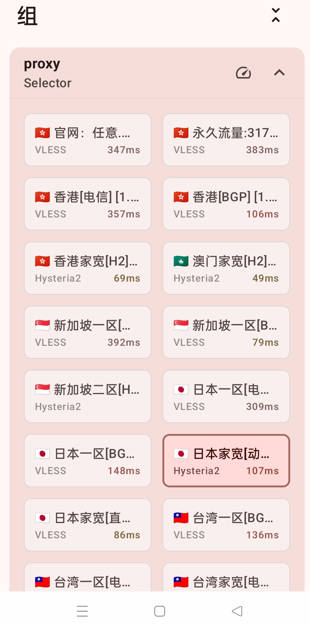
What Is sing-box? #
sing-box is an open-source proxy app that uses servers to change the IP address you use to access the internet. For example, if ChatGPT is not available in your country, this app can help you reach it. sing-box is similar to v2rayN, Clash for Windows, Clash.Meta, hiddify, v2box, shadowrocket, Karing, flclash, mahsang, Surge, stash, streisand ,happand npvtunnel, but it comes with many new features. For instance, it is free to download from the Apple App Store — no paid download required. sing-box supports a wide range of protocols, including Shadowsocks, VMess, VLESS, Reality, Trojan and Hysteria2.
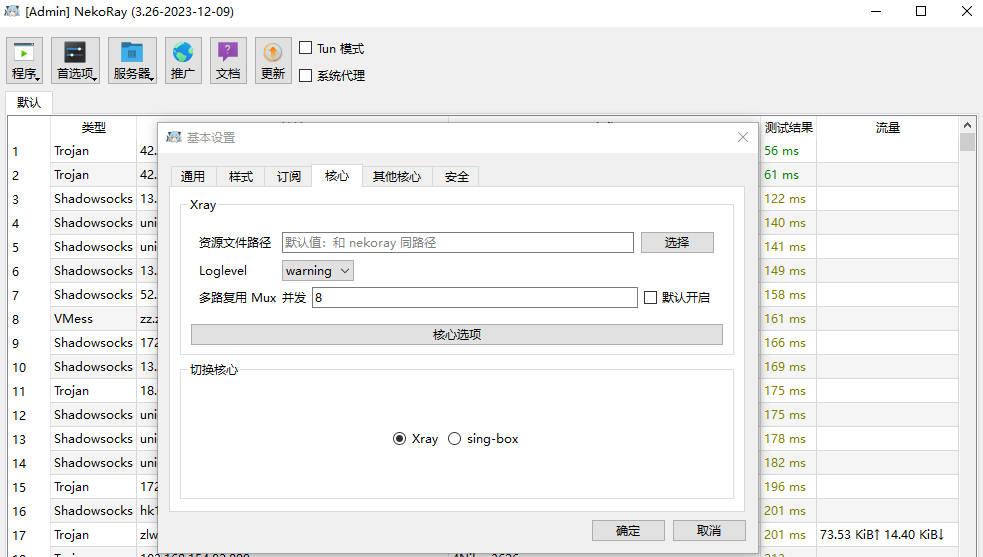
Which Platforms Does sing-box Support? #
sing-box is a free, cross-platform proxy app (The universal proxy platform). Its clients run on Windows, Mac, Android, iOS, Linux, Apple TV and more.
sing-box Download Links #
| No. | Platform | App Name | Download | Core |
|---|---|---|---|---|
| 1 | Android | nekobox | Download | sing-box |
| 2 | Windows | nekoray-3.26 | Download | sing-box |
| 3 | iOS | sing-box VT | Download | sing-box |
| 4 | Windows | GUI.for.SingBox | Download | sing-box |
Recommended Proxy Services (Airports) #
- The services below are billed by traffic, and each website includes its own setup and installation tutorial.
- Once you buy a data plan there is no time limit — the plan lasts until your traffic runs out.
- If a website will not open, it has likely been blocked; simply try one of the other websites.
| Name | Price | Data | Nodes |
|---|---|---|---|
| Mojie | ¥1 | 1 GB | 30 |
| NetExpress | ¥7 | 20 GB | 54 |
| Niubi | ¥14 | 200 GB | 31 |
| FeiTu | ¥30 | 100 GB | 80 |
| Nongfu Spring | ¥45 | 200 GB | 40 |
| Baobei Cloud | ¥55 | 600 GB | 64 |
| Freedom Cat | ¥89 | 200 GB | 71 |
| fscloud | ¥99 | 1000 GB | 82 |
How to Buy and Use Nodes #
- A node is a server on the internet; once you import nodes into the app, your phone can access the outside network.
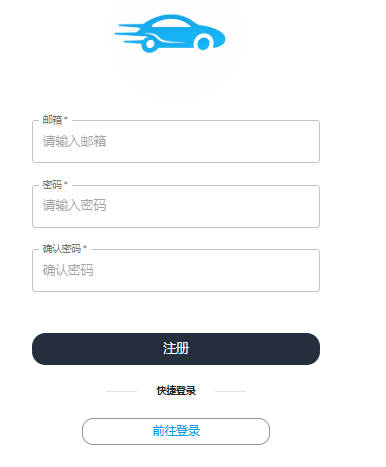
- Using the NetExpress airport as an example, open the NetExpress website.
- Enter your email and password to register an account.
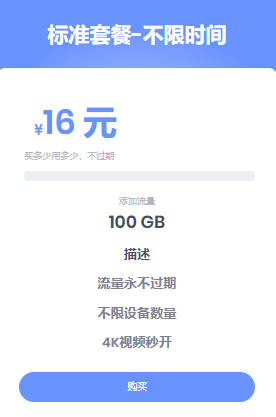
- Click the store and buy a plan. Here we choose the ¥16 / 100G plan with no time limit.
- Then pay with Alipay or WeChat.
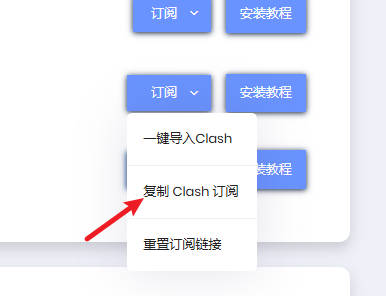
- After payment, click the tutorial → Universal Subscription → copy the subscription link.
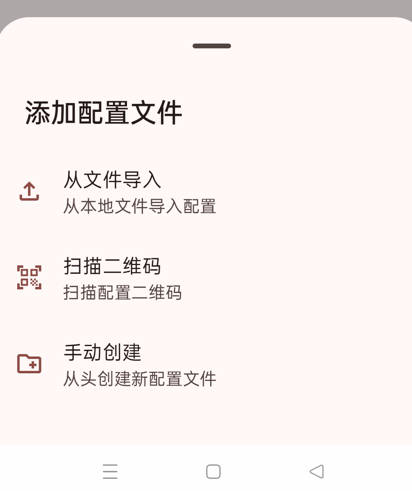
- Open the Android version of sing-box and tap the plus (+) button to add a profile.
- Tap “Add manually”.
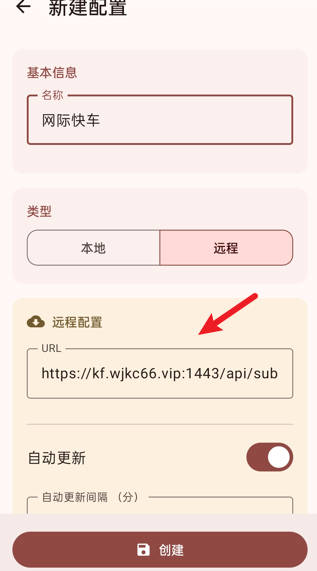
- Enter a name, e.g. NetExpress.
- As shown, tap “Remote”, paste the subscription link, and tap Create.
- Test the links, return to the home screen, and tap the button in the bottom-right corner to turn on the proxy.
- Tap the folder button at the bottom to manually select a node.
- As you can see, this NetExpress airport has 39 nodes and has been running stably for many years.