Introduction to gui.for.singbox #
GUI for SingBox is a powerful third-party sing-box Windows network proxy software, which is easy to use and has a graphical interface. It supports most of the proxy protocols currently on the market, such as shadowsocks, vmess, vless, reality, trogan, hysteria2 and other protocols.
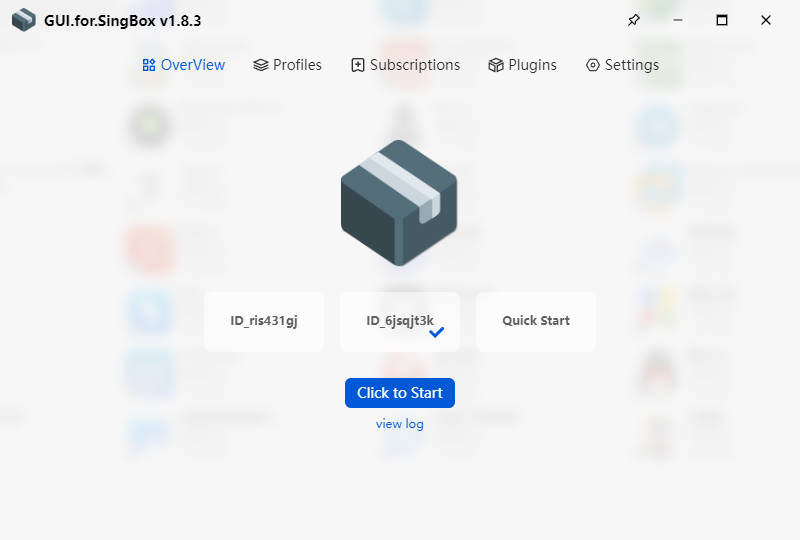
- Import sing-box node
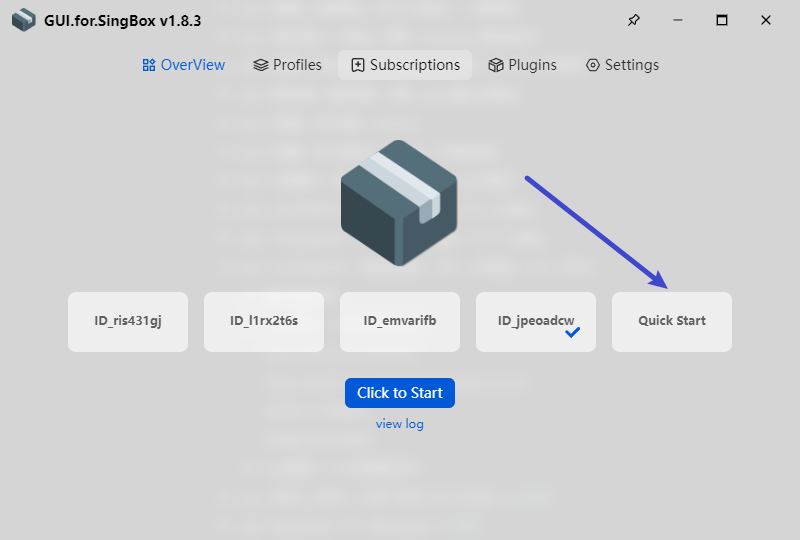
- Click Quick Start
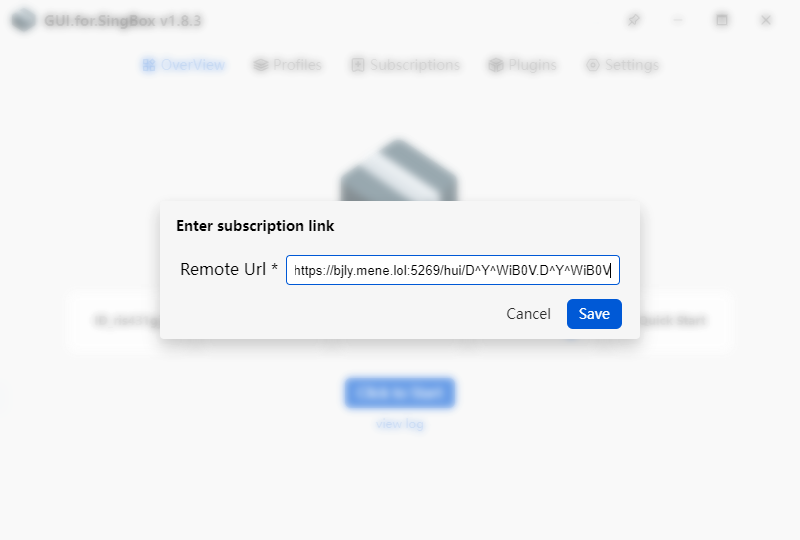
- Copy the link below and paste it into the dialog box
https://bjly.mene.lol:5269/hui/D^Y^WiB0V.D^Y^WiB0V
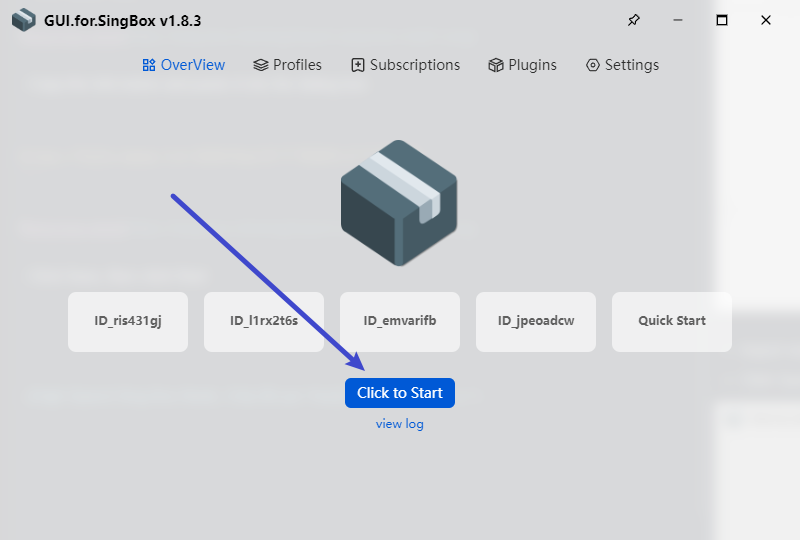
- Click Save, then click Start
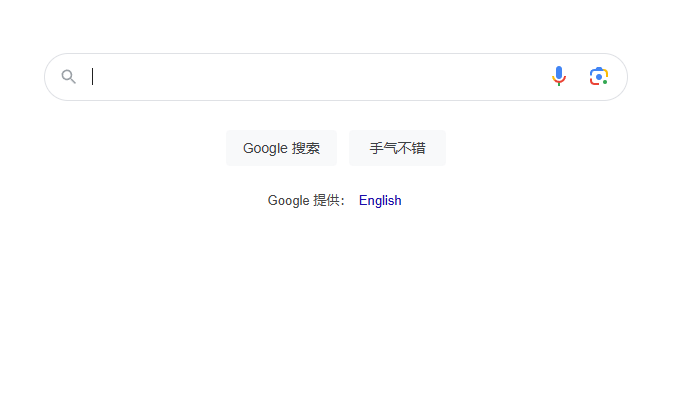
- Now you can open Google
Airport Recommendations #
- The following providers charge based on traffic usage. Their websites include software usage and installation tutorials.
- After purchasing traffic, there is no time limit — the traffic remains valid until it is fully used.
- If a website is inaccessible, it likely means it has been blocked; simply switch to another provider.
| Name | Price | Traffic | Nodes |
|---|---|---|---|
| Mojie | ¥1 | 1GB | 30 |
| Wangji Express | ¥7 | 20GB | 54 |
| Niubi | ¥14 | 200GB | 31 |
| Feitu | ¥30 | 100GB | 80 |
| Nongfu Spring | ¥45 | 200GB | 40 |
| Baobei Cloud | ¥55 | 600GB | 64 |
| Freedom Cat | ¥89 | 200GB | 71 |
| fscloud | ¥99 | 1000GB | 82 |
Stable VPN Nodes in 8 Countries – Annual Fee: 10 USDT #
- Price: 10 USDT per year. Includes nodes from the following countries: USA, France, UK, Germany, Bulgaria, Singapore, Japan, and Poland.
- Payment Address:
0x8d4744a8d6d617634d054edf9031bb5d77f2fd4bNetwork: Arbitrum One - Take a screenshot of the successful payment page and send it to this email: [email protected]
- After I receive your email, I will send you the VPN node details.